Cutting dead frames from DROID: 500 hours of robot data in 32 seconds
The robot state recorded next to the video tells you which frames matter before you decode any pixels. Trimming all of DROID takes 32 seconds on a laptop.
by YK Sugi
1. The problem
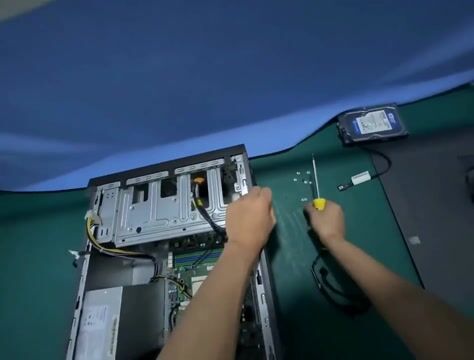
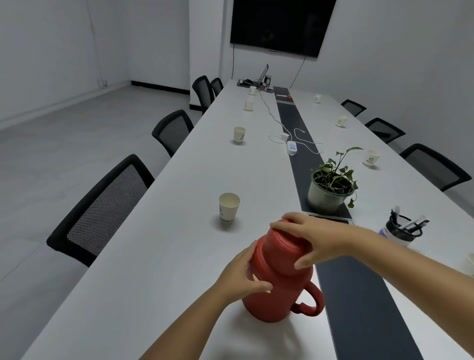
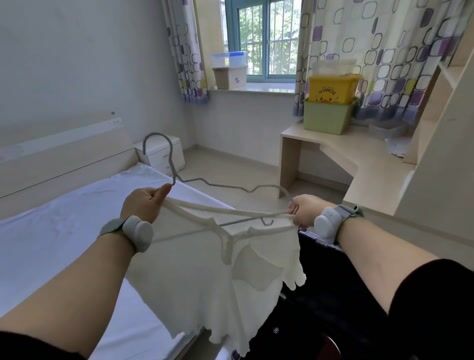
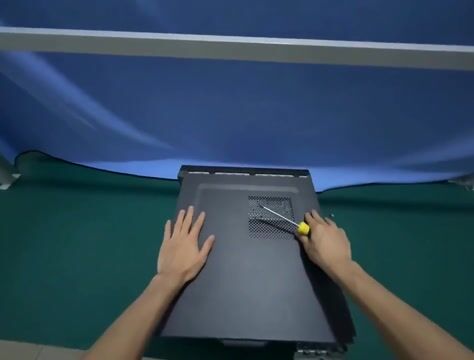
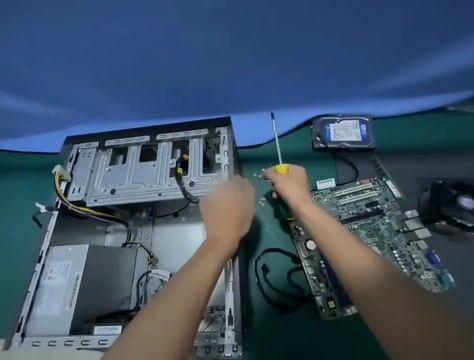
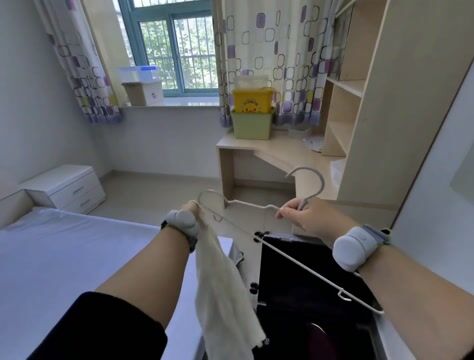
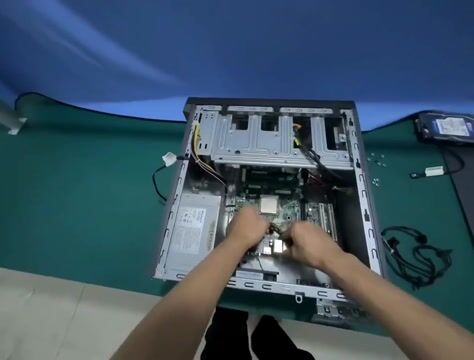
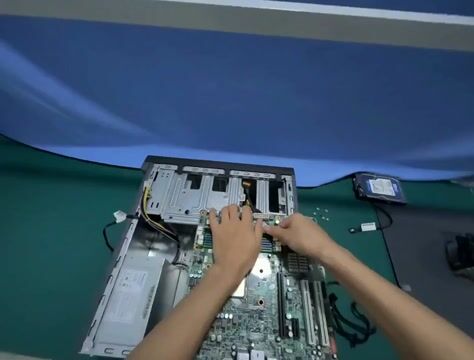
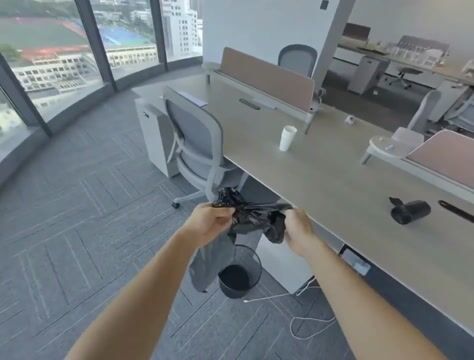
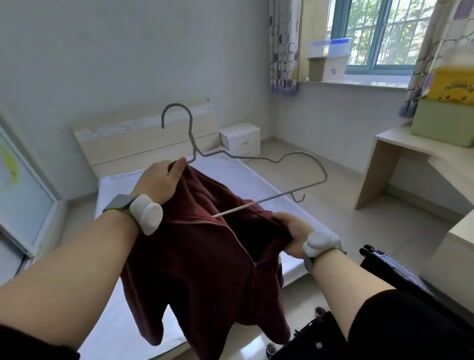
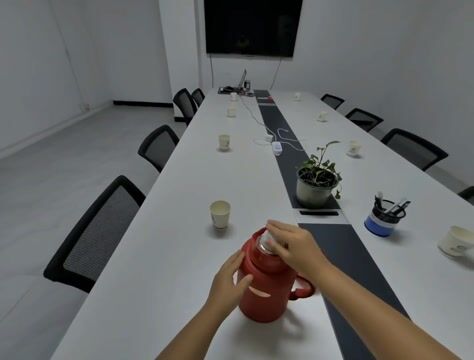
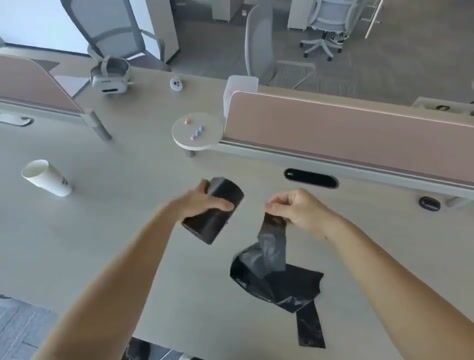
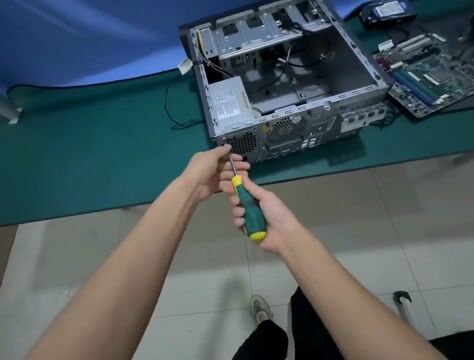
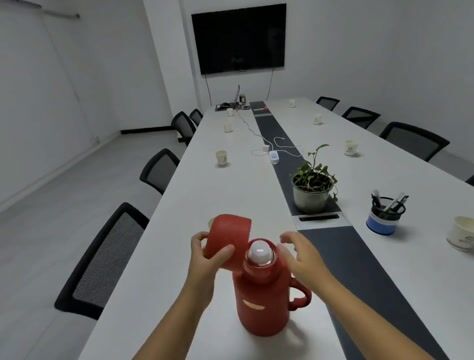
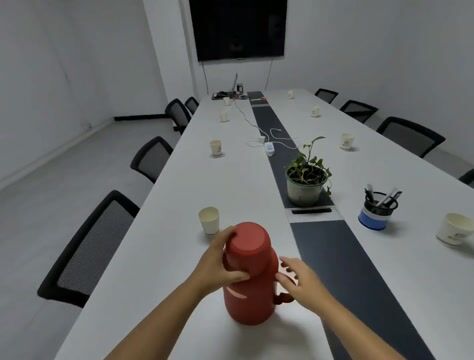
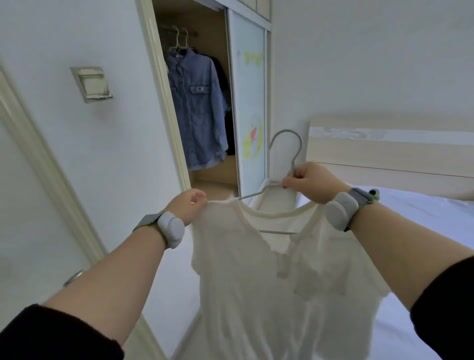
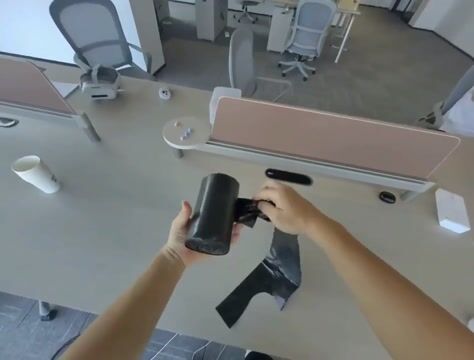
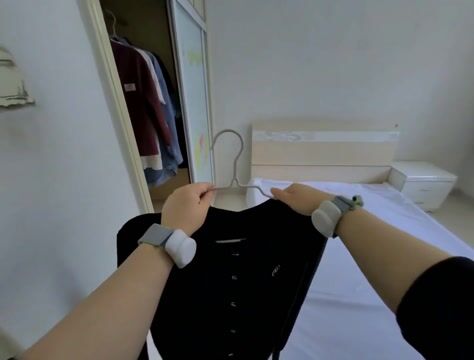
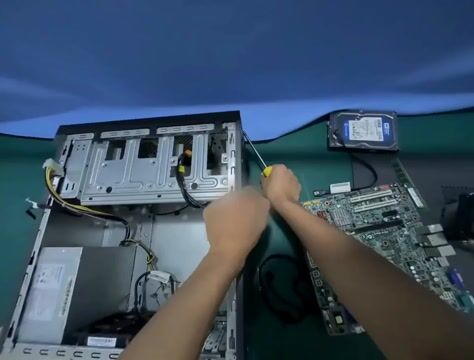
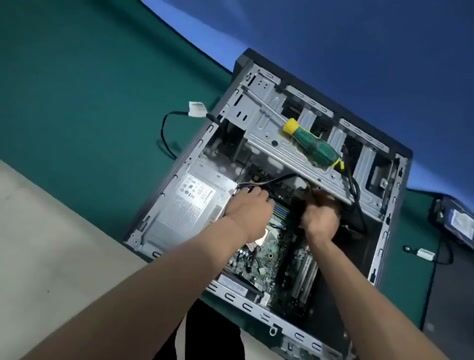
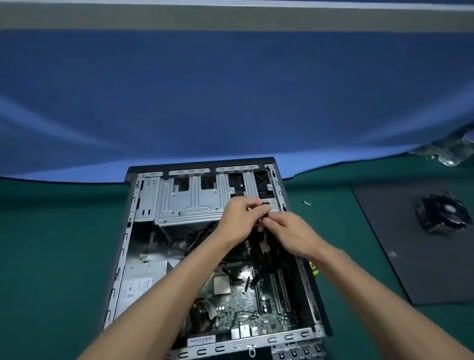
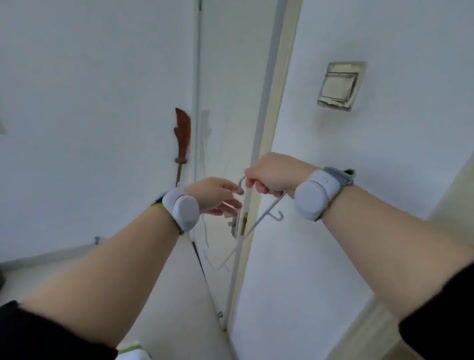
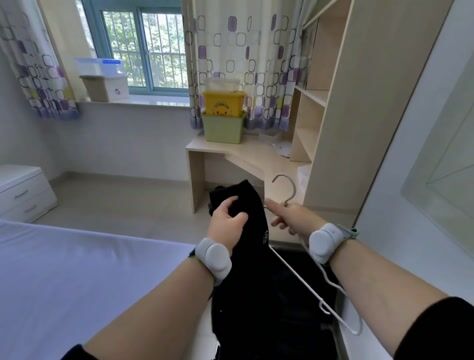
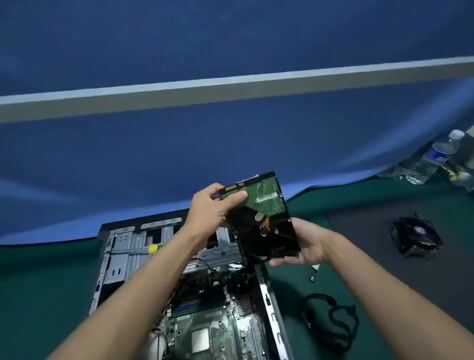
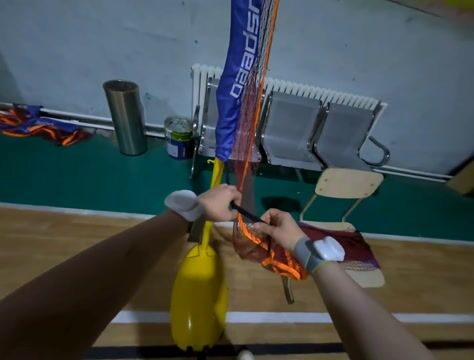
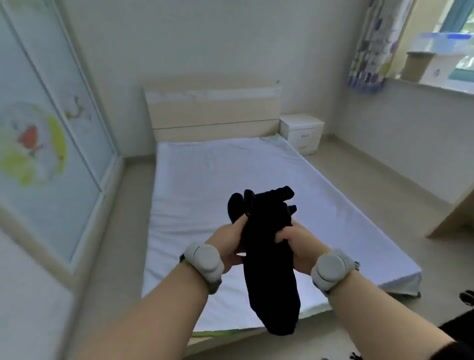
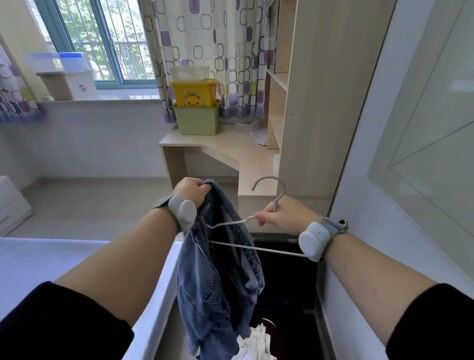
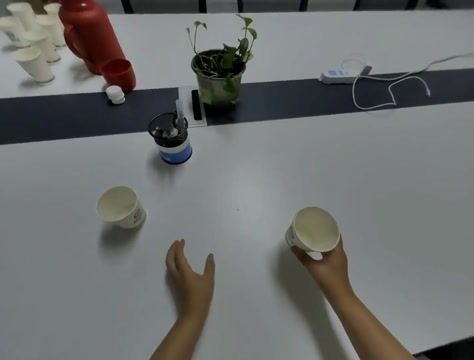
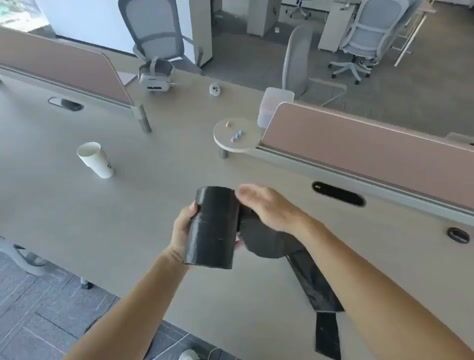
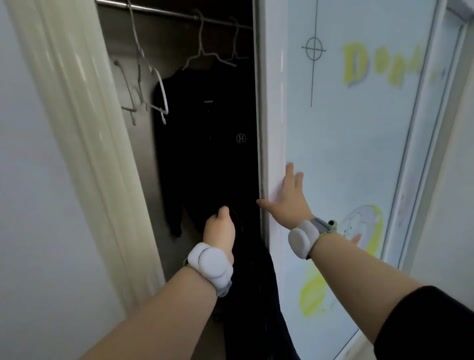
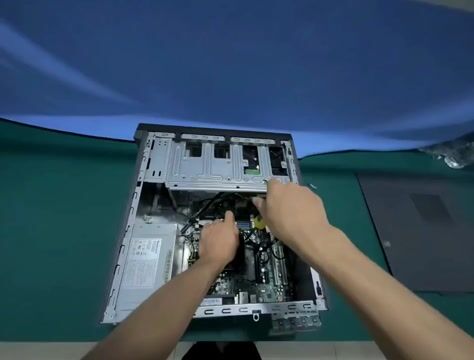
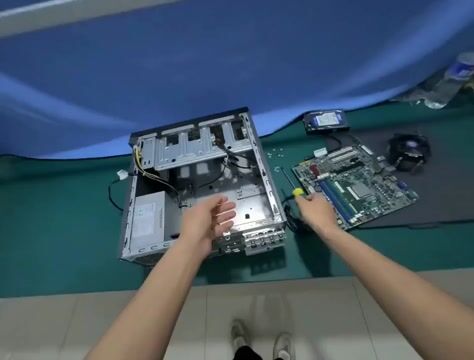
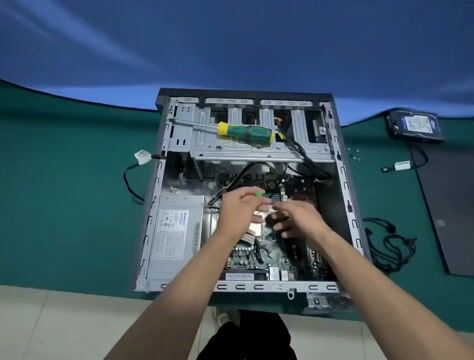
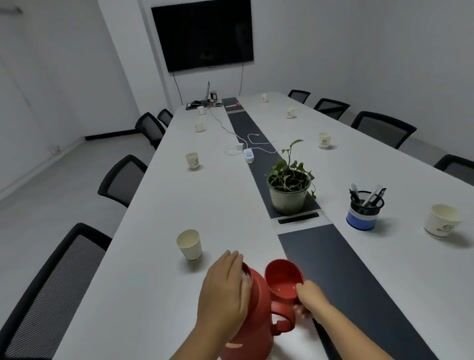
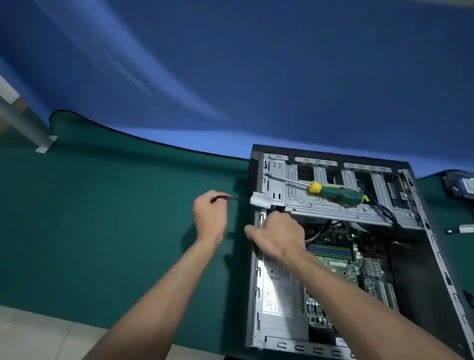
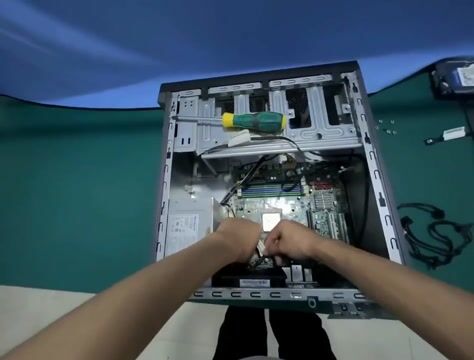
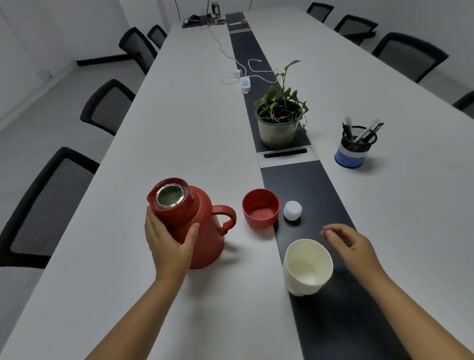
A teleoperated episode doesn't start when the recording does. The operator sets up, gets a hand on the controller, decides where to begin, and the robot sits still through all of it. DROID's median episode opens with 9 dead frames; one in a hundred is more than a third dead, and the worst is 94%.
Those frames get decoded during training, sent to a VLM if you're labeling, and
they teach a single-step policy that standing still is reasonable. That last one
isn't hypothetical - it's why OpenVLA filters no-op actions out of LIBERO, and
why the libero_*_no_noops datasets exist on Hugging Face.
2. Proprioception gets you there without pixels
The obvious way to find a still frame is to look at it, which means decoding video - the expensive thing we're trying to do less of.
A cheaper signal sits right next to it. LeRobot stores the robot's own joint positions per frame, in parquet, in the same directory. If the joint angles haven't changed since the previous frame, the arm didn't move. In DROID that proprioception is 12 GB against 400 GB of video.
3. Method
Per frame, one number: how much the arm moved since the previous frame.
- Pull each dim out of the state list.
observation.state.joint_positionis 7 floats, one per arm joint. Each becomes its own column. - Subtract its previous value, within the episode. Partitioning by
episode_indexmatters - without it, an episode's first frame diffs against the previous episode's last frame and every boundary shows a fake spike. - Normalize each dim by the typical size of that dim's step, so a quick wrist joint and a slow shoulder joint count comparably.
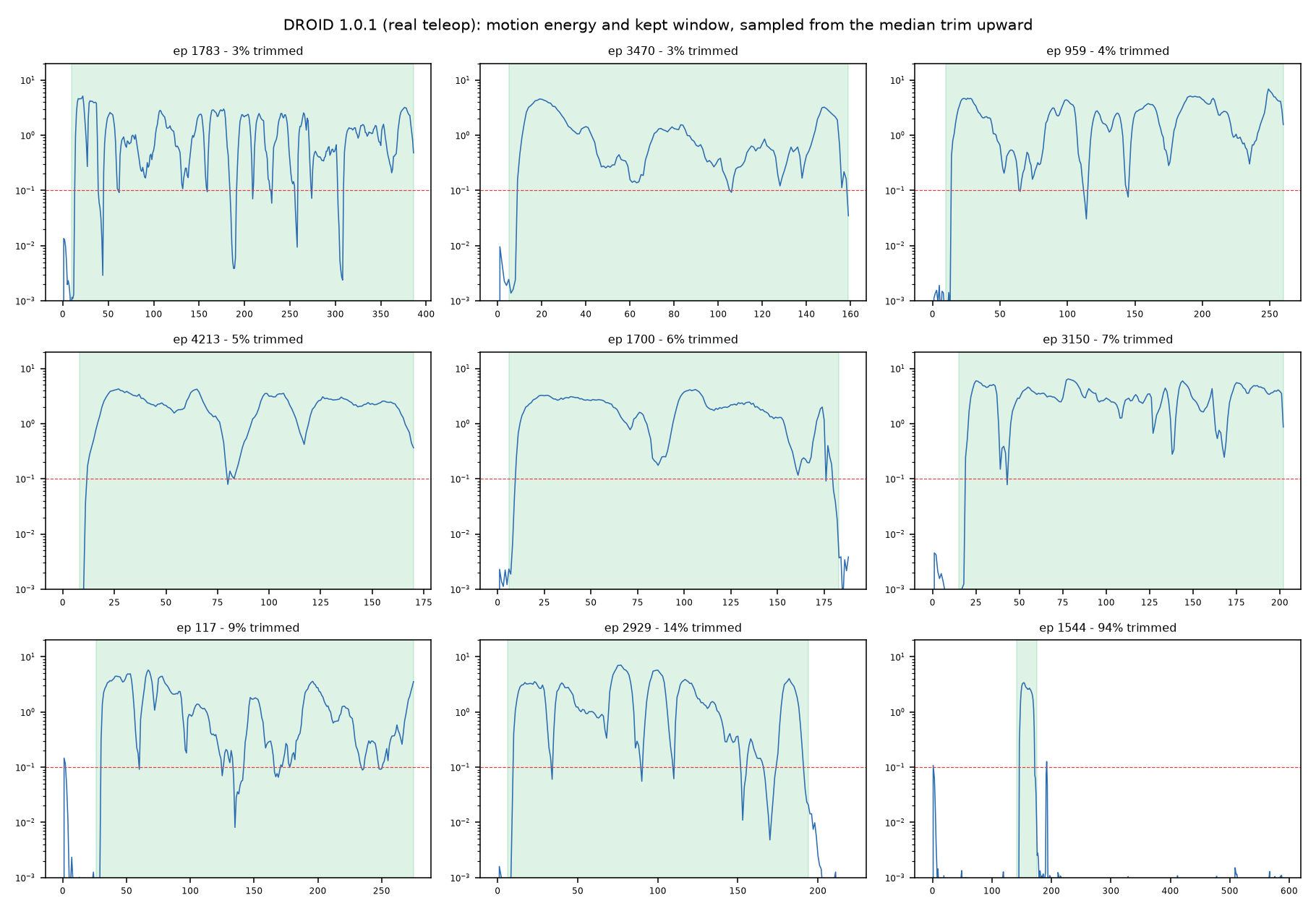
- Collapse the 7 deltas into one number - the length of the motion vector, a Euclidean norm. Idle frames land near zero; real motion is two or three decades above.
The reduction produces two things:
is_activeper frame - for consumers that sample frames, like VLA training. Drops interior pauses too.- A contiguous trim window per episode - first to last active frame, padded.
For consumers that need a video slice, where
from_ts/to_tshas to stay contiguous.
A window only opens on 3 consecutive active frames, since one frame over the threshold is noise, and the span is padded 0.25s on each side - cutting flush to the first motion clips the approach.
The whole method is a few lines of Daft
dataframe code. With
daft-physical-ai it is
three calls:
from daft_physical_ai.proprio import motion_scale, motion_energy, is_active
from daft_physical_ai.trim import trim_windows

scale = motion_scale(frames, STATE, dims=7)   # one pass: the typical per-dim step
frames = (
    frames
    .with_column("motion_energy", motion_energy(col(STATE), dims=7, scale=scale))
    .with_column("is_active", is_active(col("motion_energy")))
)

frames.where(col("is_active"))   # the per-frame view
trim_windows(frames, fps=15)     # the window view: one row per episode
4. Results
All of DROID 1.0.1, threshold 0.1, one M-series laptop, dataset local:
| episodes | 95,658 (1,403 never active) |
| frames | 27,632,940 - 512 hours of robot data |
| window view kept | 26,535,345 - 4.0% trimmed |
| per-frame view kept | 24,381,199 - 11.8% trimmed |
| wall clock | 32.2s (~859k frames/s) |
The 32 seconds start once the data is on disk. Getting it there is the actual bottleneck: the frame parquet is 12 GB plus 600 MB of episode metadata, and at ordinary download speeds that's close to an hour. One download, though - after that, every threshold sweep and re-run costs seconds.
The per-episode spread is skewed - on the first 4 shards, half the episodes lose under 2.6% while the top 1% lose more than 35%. The corpus total is the number that matters for compute saved, since it weights long episodes more than short ones.
The exact threshold doesn't matter much - across a 4x range it moves the window view by less than a point (first 4 shards):
| threshold | window view | per-frame view | never-active episodes |
|---|---|---|---|
| 0.05 | 3.5% | 8.6% | 52 |
| 0.1 | 3.9% | 10.7% | 57 |
| 0.2 | 4.3% | 14.6% | 64 |
5. Visualizing the results
The energy curve against the window it produces.
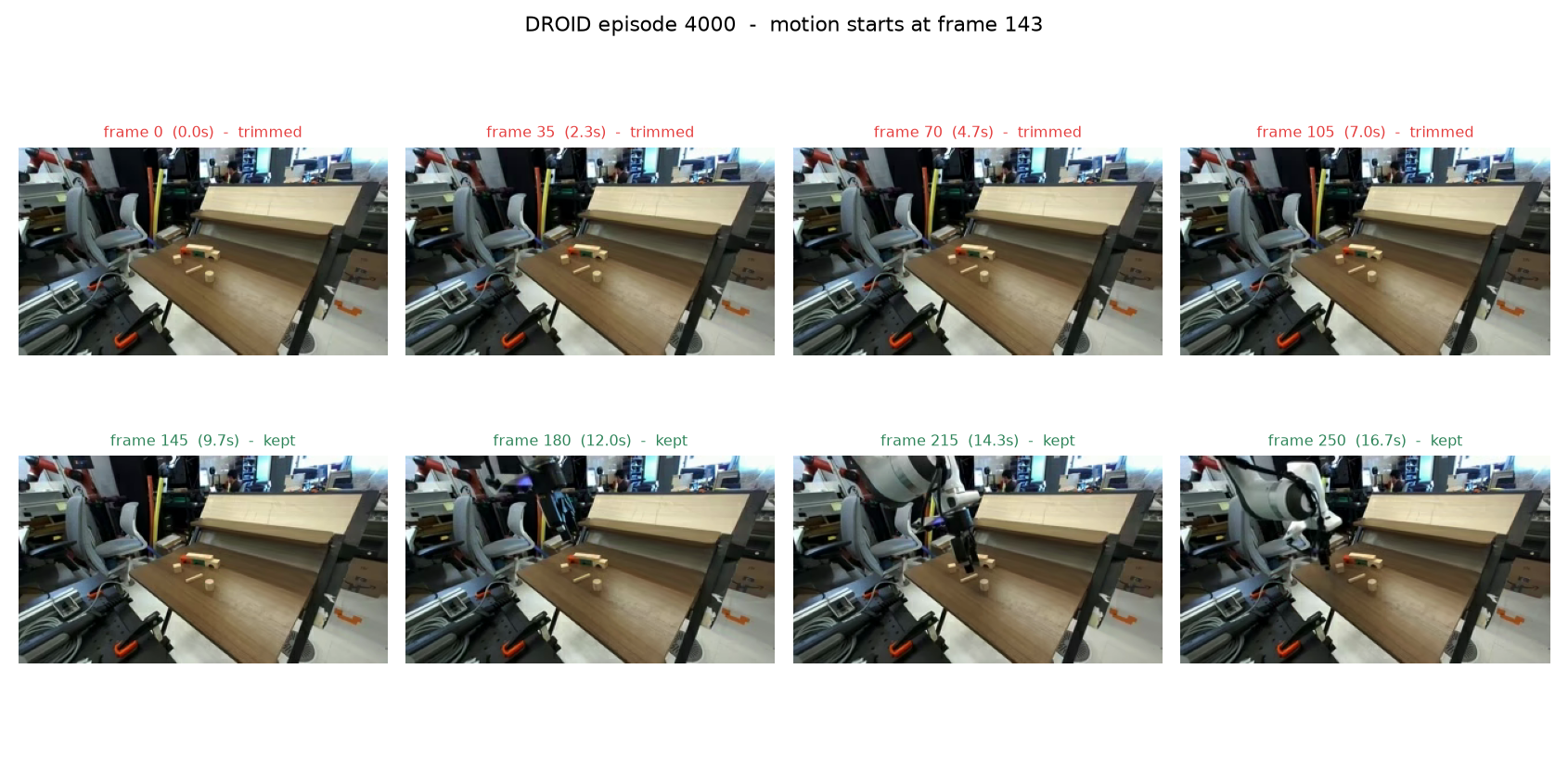
The pixels at the boundary. The curve says episode 4000 is dead until frame 143. In the filmstrip below, both rows span the same 105 frames at the same 35-frame step, so the only difference is which side of the boundary they're on:
Running it
The packaged version ships in daft-physical-ai - one command scaffolds the executed
walkthrough (examples/trim/: demo.md, demo.ipynb, demo.py) from one DROID shard
streamed off Hugging Face:
pip install daft-physical-ai
daft-physical-ai trim
To see the same workflow end to end, the executed walkthrough is on GitHub in two forms:
- demo.md - read it start to finish; code and outputs inline, nothing to run
- demo.ipynb - the same, as a runnable notebook
Both live in daft-physical-ai.
For more information about Eventual, go to eventual.ai.